Printing reports and catalogues: showcase what matters, page after page
In an environment where information moves quickly and digital content is often skimmed, print still holds a special strength. It provides a reliable, tangible and valuable reference point, capable of capturing attention in a different way than a screen.
Whether it is an annual report, an activity report, a product catalogue or an institutional document, professional printing helps reinforce a company’s image of seriousness. Paper quality, colour accuracy, layout readability and carefully selected finishes all contribute directly to brand perception.
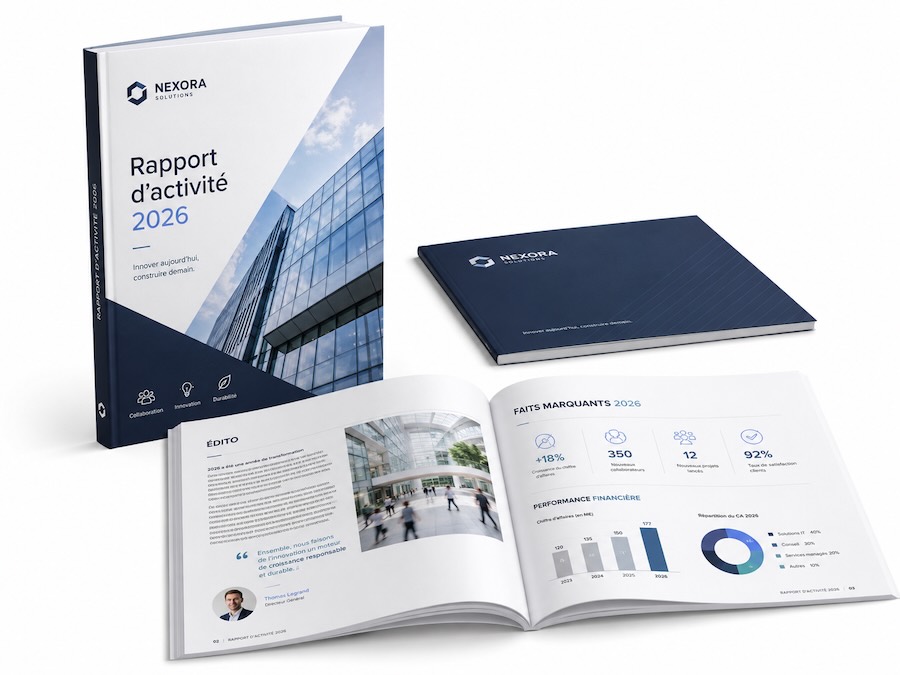
A report or catalogue is not simply a collection of pages. It reflects the company’s rigour, highlights its expertise and gives the reader a structured view of its activities, results or offering.
What professional documents can be printed?
Reports
Annual, financial, activity, CSR or ESG reports.
Catalogues
Products, collections, services, references or projects.
Files
Studies, presentations and institutional publications.
Guides
Manuals, programmes, training materials or technical documents.
Report, brochure or catalogue: what is the difference?
A report mainly organises information, analyses or results. A brochure presents a company, activity or offer in a concise way. A catalogue brings together a larger set of products, services or references following a repetitive structure. In practice, the distinction is not always strict: the production choice mainly depends on the number of pages, the intended use and the lifespan of the document.
Why keep a printed version?
- Provide a tangible document during a meeting or sales appointment.
- Make it easier to read texts, charts and tables carefully.
- Present an offer without relying on a screen or internet connection.
- Leave a lasting publication after a trade fair, conference or presentation.
- Enhance brand identity through paper, colours and finishes.
- Complement the digital version with QR codes or links to updated content.
Choosing a format suited to the content and use
The format influences reading comfort, handling, mailing costs and the amount of information available on each page. It should be chosen before the final layout is created to avoid late adjustments and inconsistencies in the design.
A4
Ideal for reports, studies and files containing a large amount of text, charts or tables.
A5
Compact and easy to carry. It is suitable for catalogues, guides and more concise publications.
Square or custom size
A distinctive choice for a creative or premium publication, provided it remains practical to store and ship.
Paper, weight and finishes: creating the right impression
Paper directly influences the perception of the document. Its thickness, texture, level of gloss and whiteness must remain consistent with the content, the budget and the image the company wants to convey.
Inside pages
Relatively light paper makes thick documents easier to handle. Coated paper enhances photographs and colours; uncoated paper offers a more natural, editorial or institutional finish.
Cover
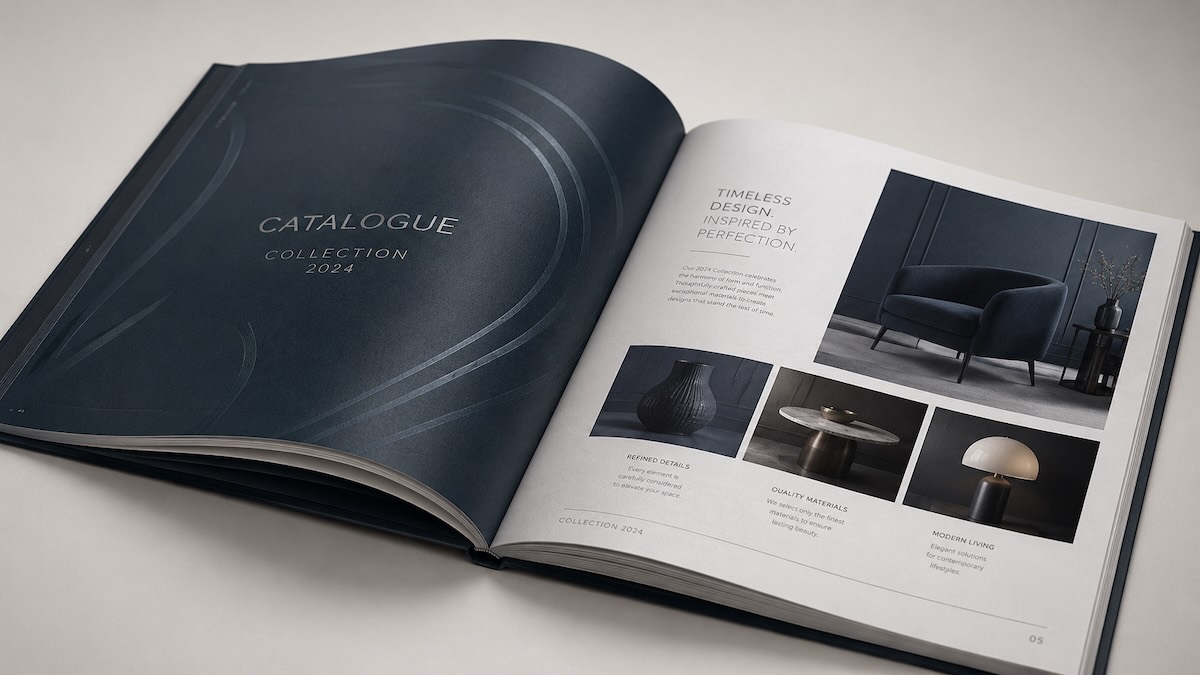
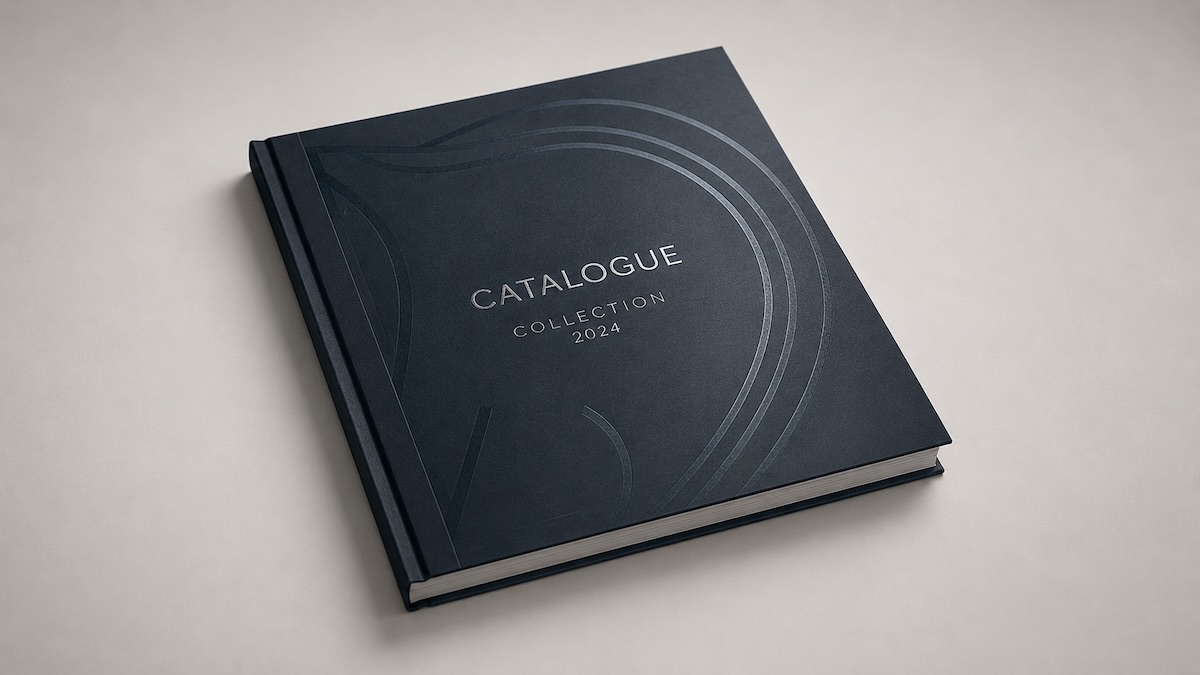
The cover is generally more rigid. It protects the document and creates the first impression. Its choice should take into account how often the document will be handled and how long it is expected to last.
Some possible finishes
Matt, gloss or soft-touch lamination to protect and enhance the cover. Spot UV varnish to highlight a logo, title or graphic element. Foil stamping, embossing, die-cutting or special colour for a premium publication. Cover flaps to add a presentation, table of contents or practical information.
Which binding should you choose?
Binding mainly depends on the number of pages, paper weight, consultation frequency and desired image. It also plays a practical role: some documents need to open flat, while others need to be easy to distribute or keep.
Saddle stitching
A simple and cost-effective solution for brochures, short catalogues and publications distributed in quantity.
Perfect binding
A book-like appearance for thick reports, complete catalogues and documents designed to be kept.
Metal spiral binding
A very comfortable opening, particularly suited to manuals, working files and technical documents.
Preparing the file correctly before printing
A document that looks successful on screen is not automatically ready for print. Several technical checks help limit unpleasant surprises and ensure a result that remains faithful to the approved layout.
Points to check
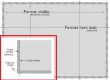
- Final size and bleed correctly defined.
- Images and logos with sufficient resolution.
- Colours prepared for print.
- Safety margins around text and page numbers.
- Pagination, table of contents, captions, contact details and QR codes checked.
A professional layout guides the reader
Headings, subheadings, paragraphs, boxed sections and captions should follow consistent rules from one page to the next. White space makes the content easier to read, fonts should remain limited and charts must be quickly understandable. For a catalogue, a standard product sheet allows the reader to find the same information in the same place for each product or service.
The role of the proof
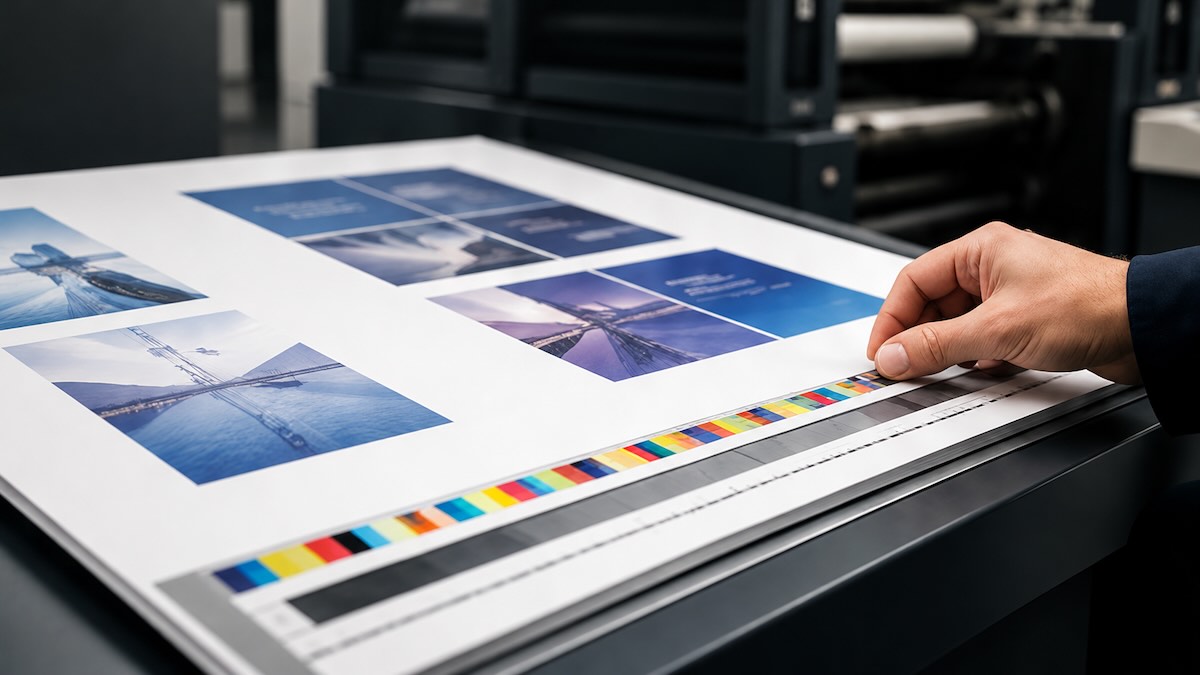
The proof makes it possible to check the appearance, pagination, colours and any corrections before final production. This approval is particularly important for large documents or documents containing a lot of data.
The most common mistakes to avoid
Choosing a font that is too small or overcrowding the pages.
Using low-resolution photographs.
Placing text too close to the edge or the binding.
Changing the number of pages after requesting a price.
Forgetting bleed or intentional blank pages.
Starting production without a final proofread or proof approval.
Checklist before launching print production
Before each print run, make sure that:
- The final format is confirmed
- The number of pages is final
- The texts have been proofread
- The images are high resolution
- Bleed is included
- Safety margins are sufficient
- The cover and binding have been approved
- The proof has been approved
👉 Planning a surplus is always preferable to avoid running out.

Why entrust your project to Media Process?
Producing a report or catalogue involves several areas of expertise: advice, prepress, layout, printing, finishing and quality control. By bringing these steps together, Media Process supports companies from the first file through to the delivery of the finished document.
Advice
Choice of format, paper, binding and finishes.
Prepress
Checking, adapting and securing files before printing.
Production
Printing, finishing and project follow-up through to delivery.
What budget and timeline should you plan for printing a report or catalogue?
Printing a report or catalogue requires more than simply sending a file. The format, paper, binding, image quality and layout must form a coherent whole.
By preparing each step methodically, the company obtains a document that is pleasant to read, faithful to its visual identity and robust enough to support its communication over time.
Ready to give your publications more impact?
Media Process supports you with your annual reports, product catalogues, files and professional brochures, from layout to delivery. Contact our team for personalised advice or to request a quote.